Our features
One tool, from the first rectangle to the clickable prototype
NinjaMock covers the whole loop — sketch the screen, wire the interactions, hand over a link. Nothing has to be exported into a second tool halfway through.
The loop
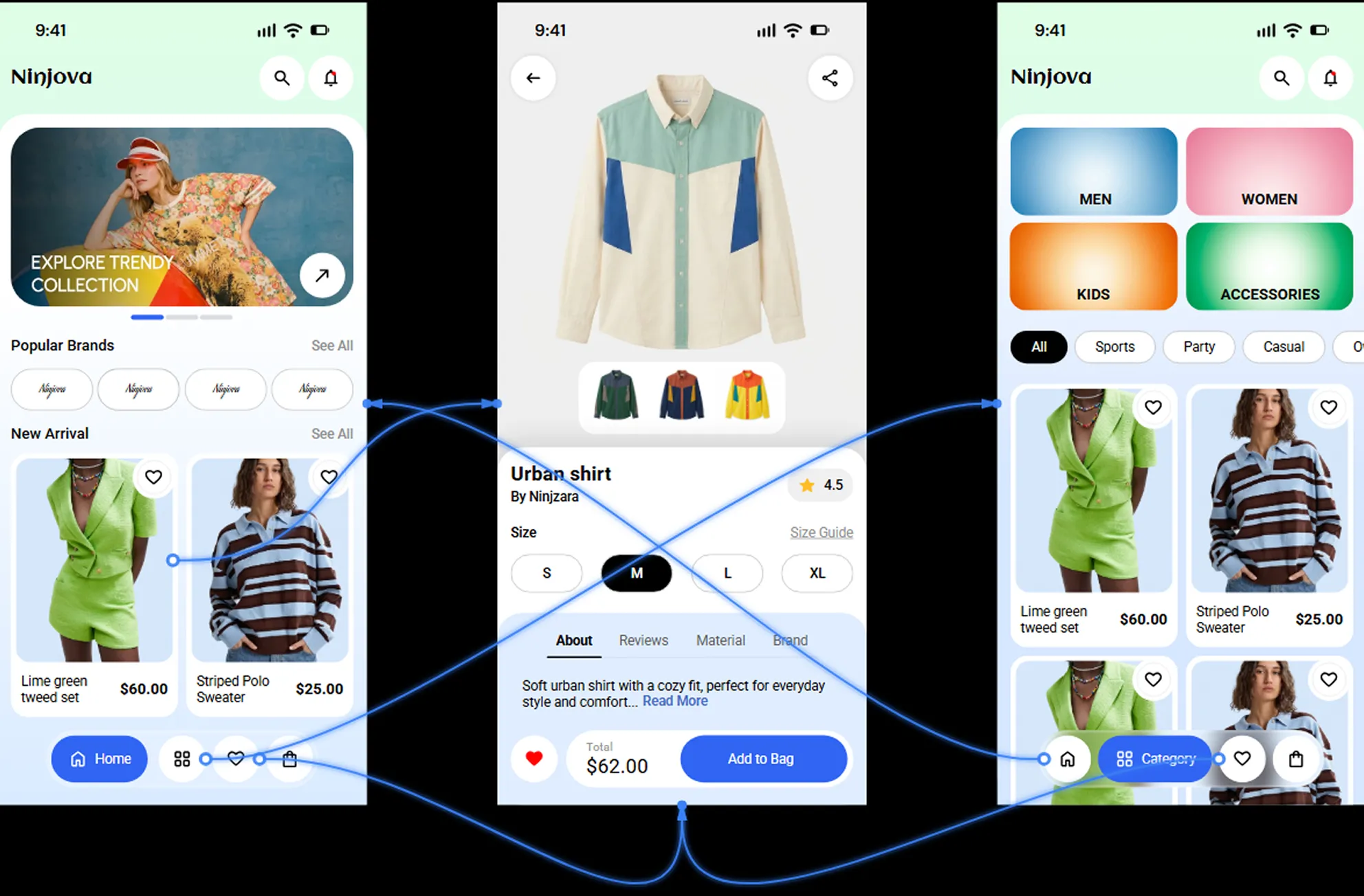
Prototyping
Link the screens, add states and transitions, and emulate a real device on any supported platform. The file that was a sketch a minute ago now responds to a tap.
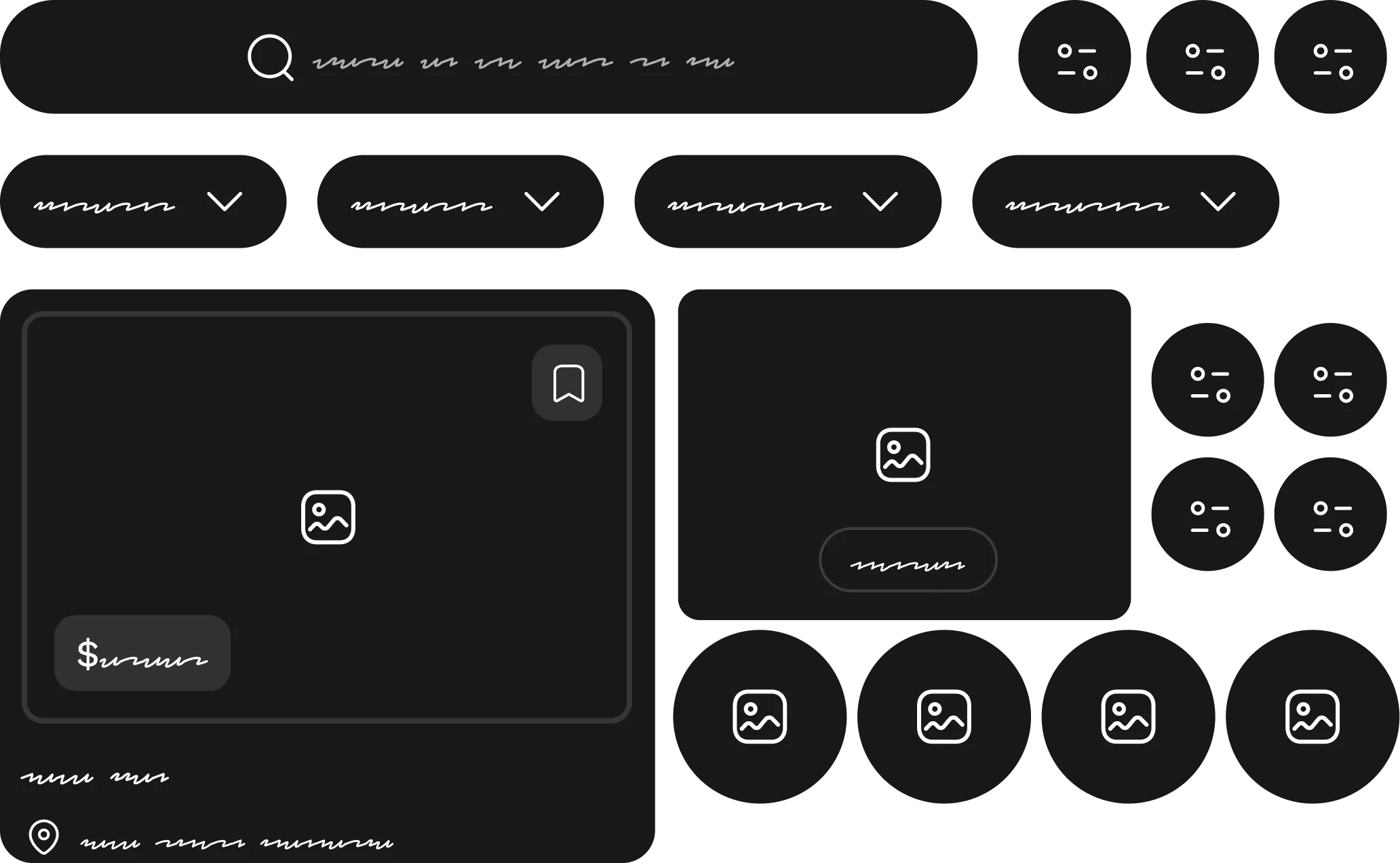
Wireframing
Lay the screen out at low fidelity, on purpose. Hand-drawn styling tells the room this is a draft, so the feedback you get is about the flow rather than the corner radius.
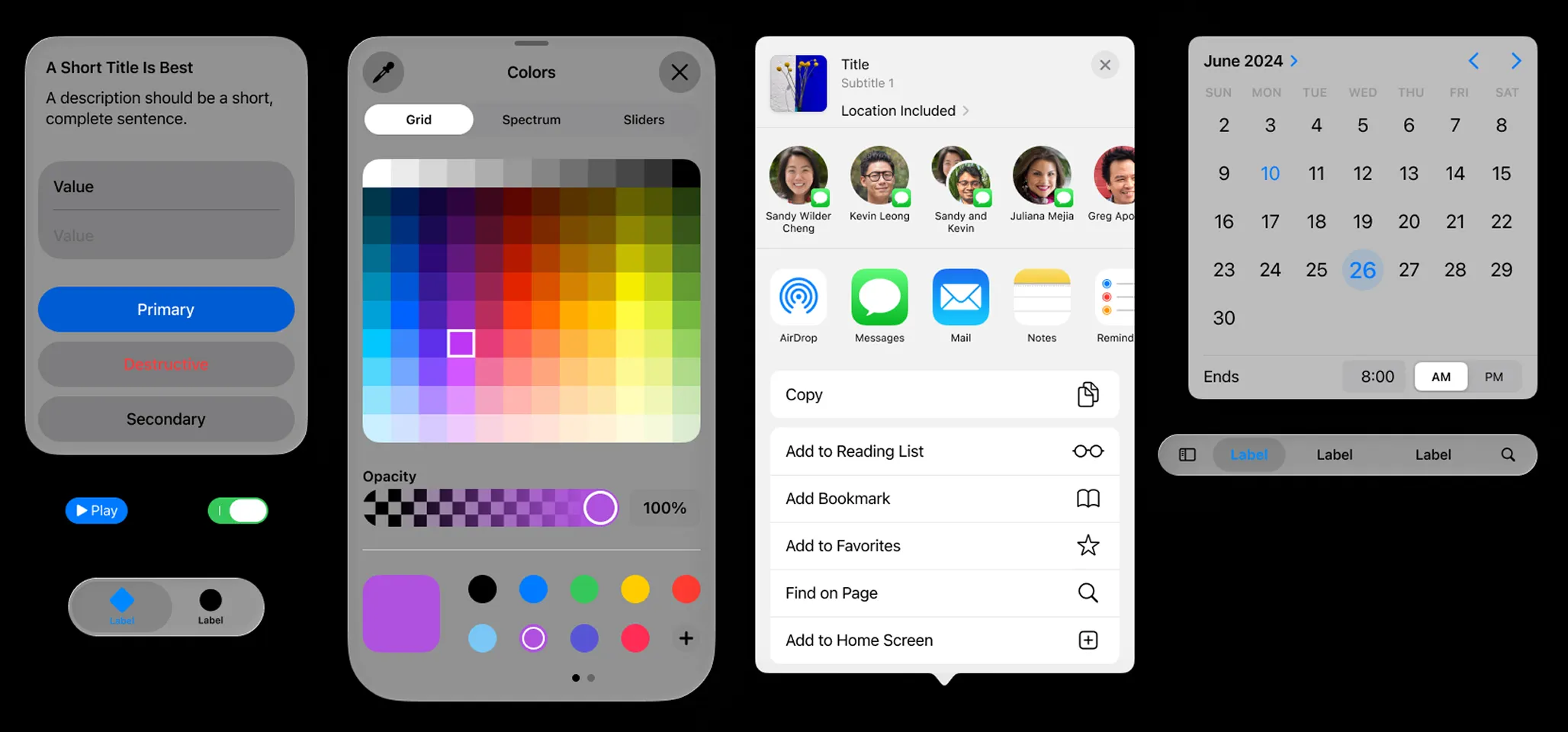
Components
Every control each platform expects, ready to place — and your own on top. Build a control once, change the master, and every screen that used it follows.
Everything the idea needs. Nothing it doesn't.
The parts you notice once the project stops being a single screen.
Vector graphics
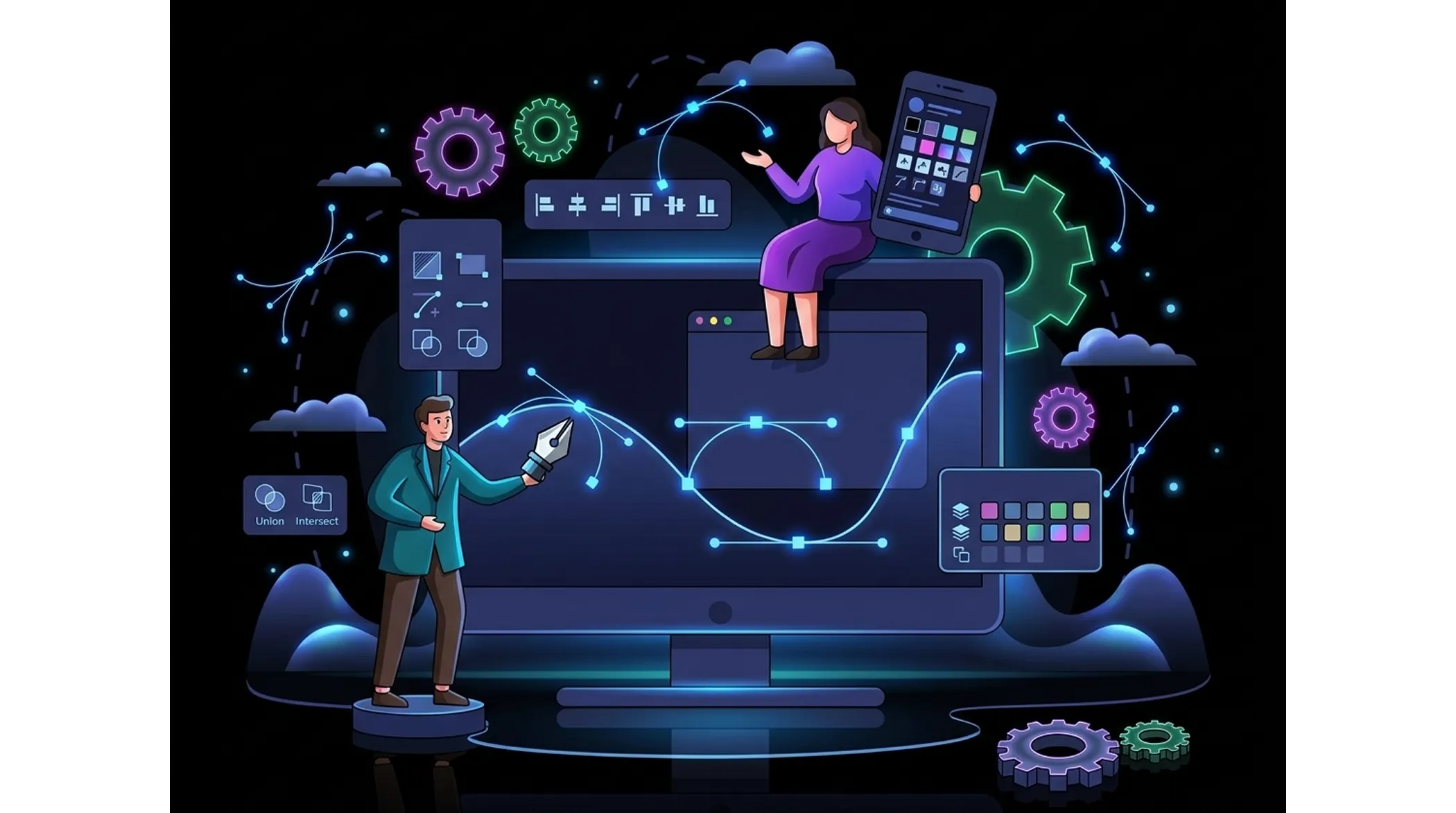
Shapes, paths and freehand drawing with full Bezier curve editing, plus a built-in icon set. When the stock component is not quite right, you draw the thing instead of leaving the tool.
Real-time collaboration
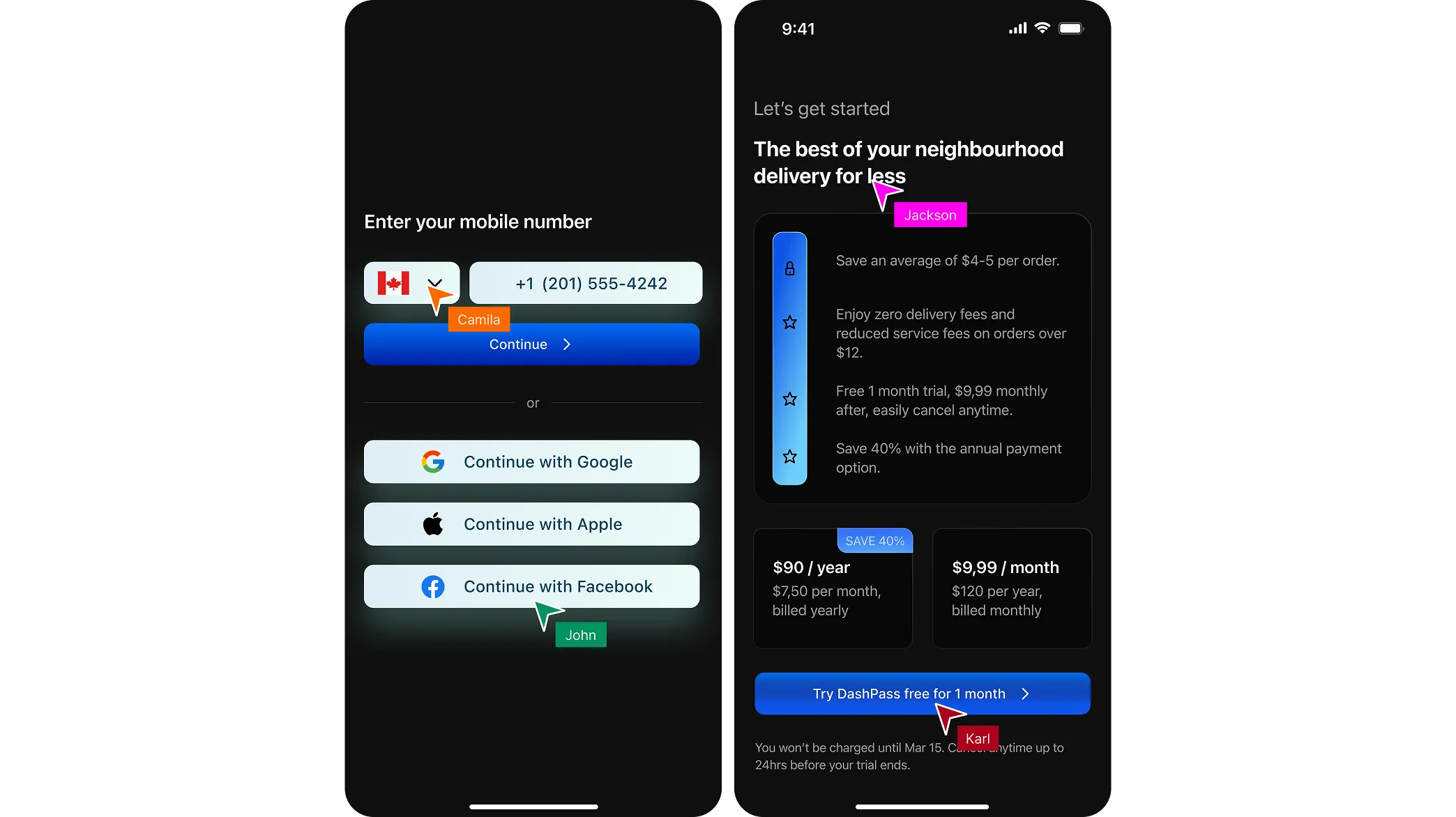
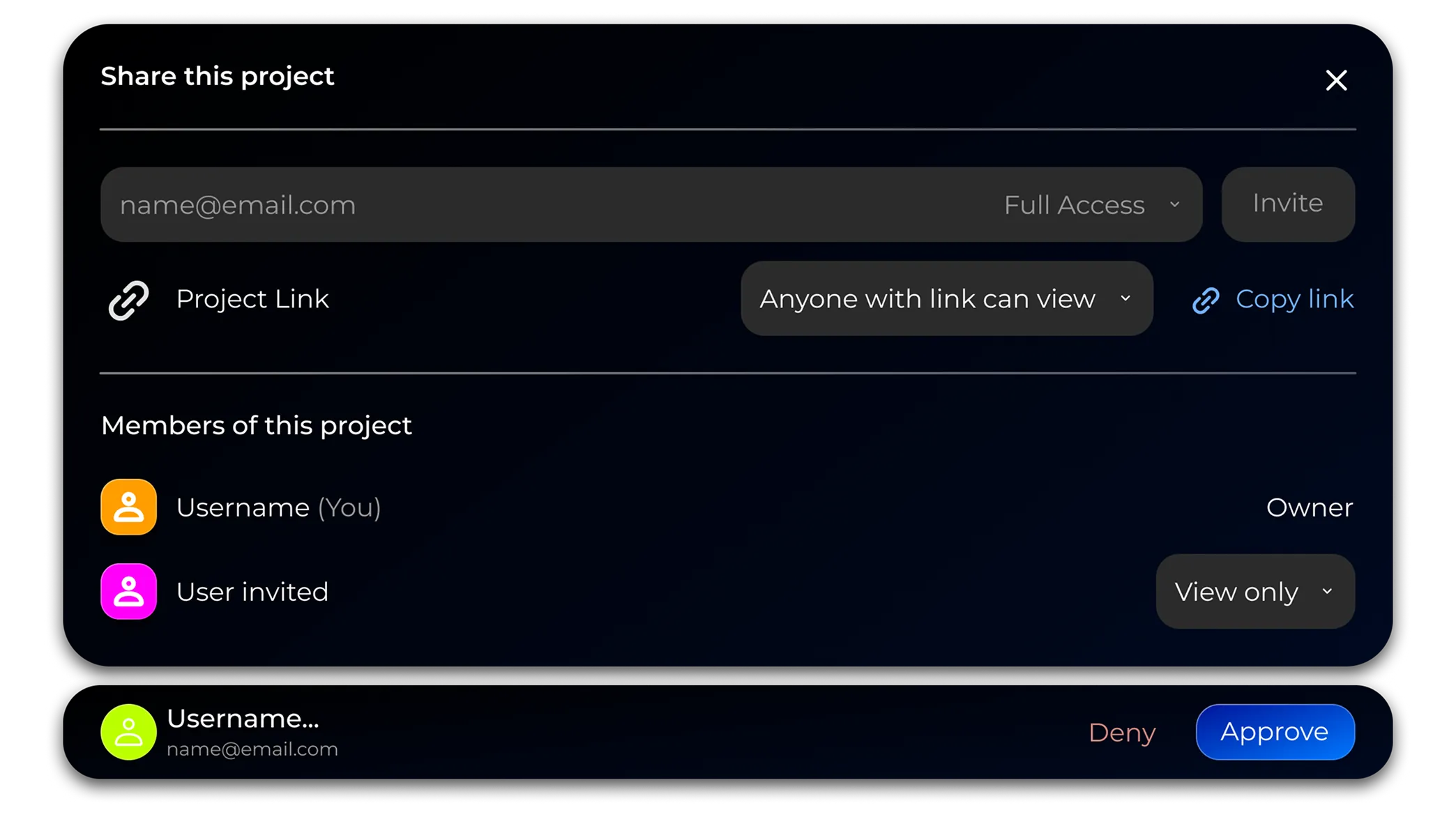
Several cursors on one canvas. Share with the team or the client and collect feedback where the work is, not in a thread that refers to screenshots.
Export
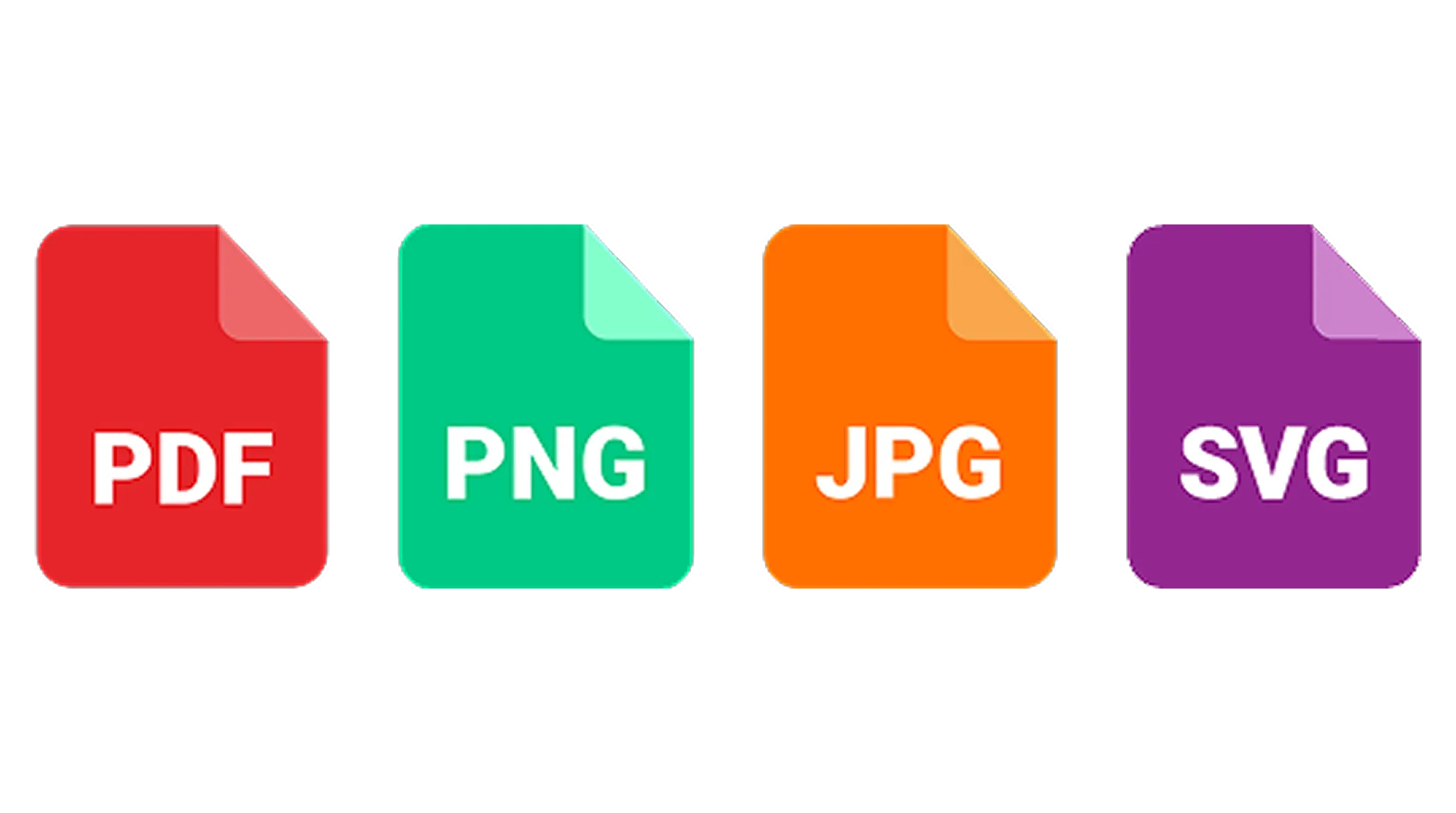
Export to PNG, JPG and PDF, send the file by email, or print it and bring it to the meeting. The work leaves the tool in whatever shape the conversation needs.
Revision history
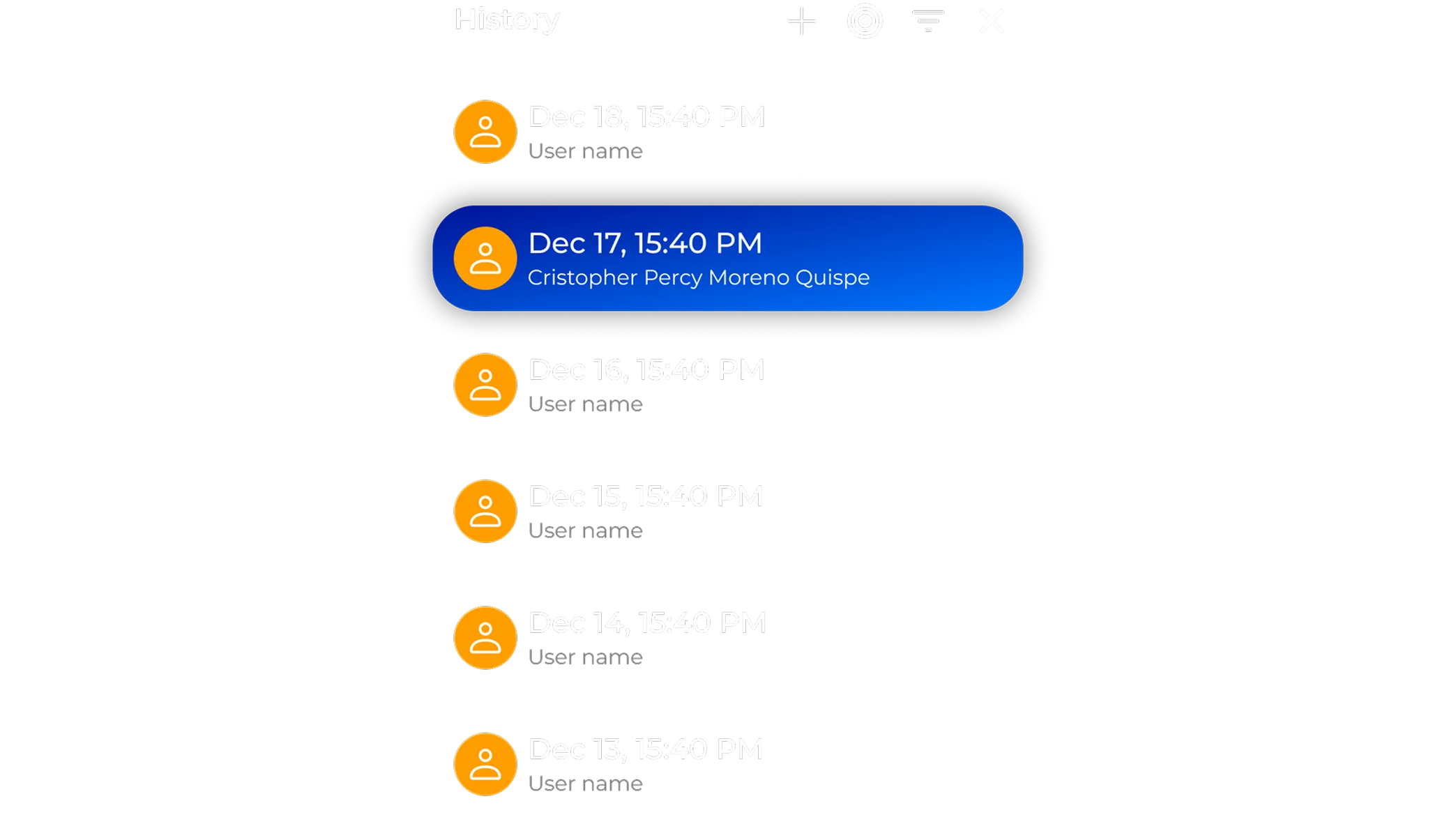
Snapshot the project whenever you want and roll back to any version. The exploration that went nowhere costs nothing, because getting back is one click.
Management and access
Organise projects into folders and decide who on the team can open what. Access is something you grant, not something everyone has by default.
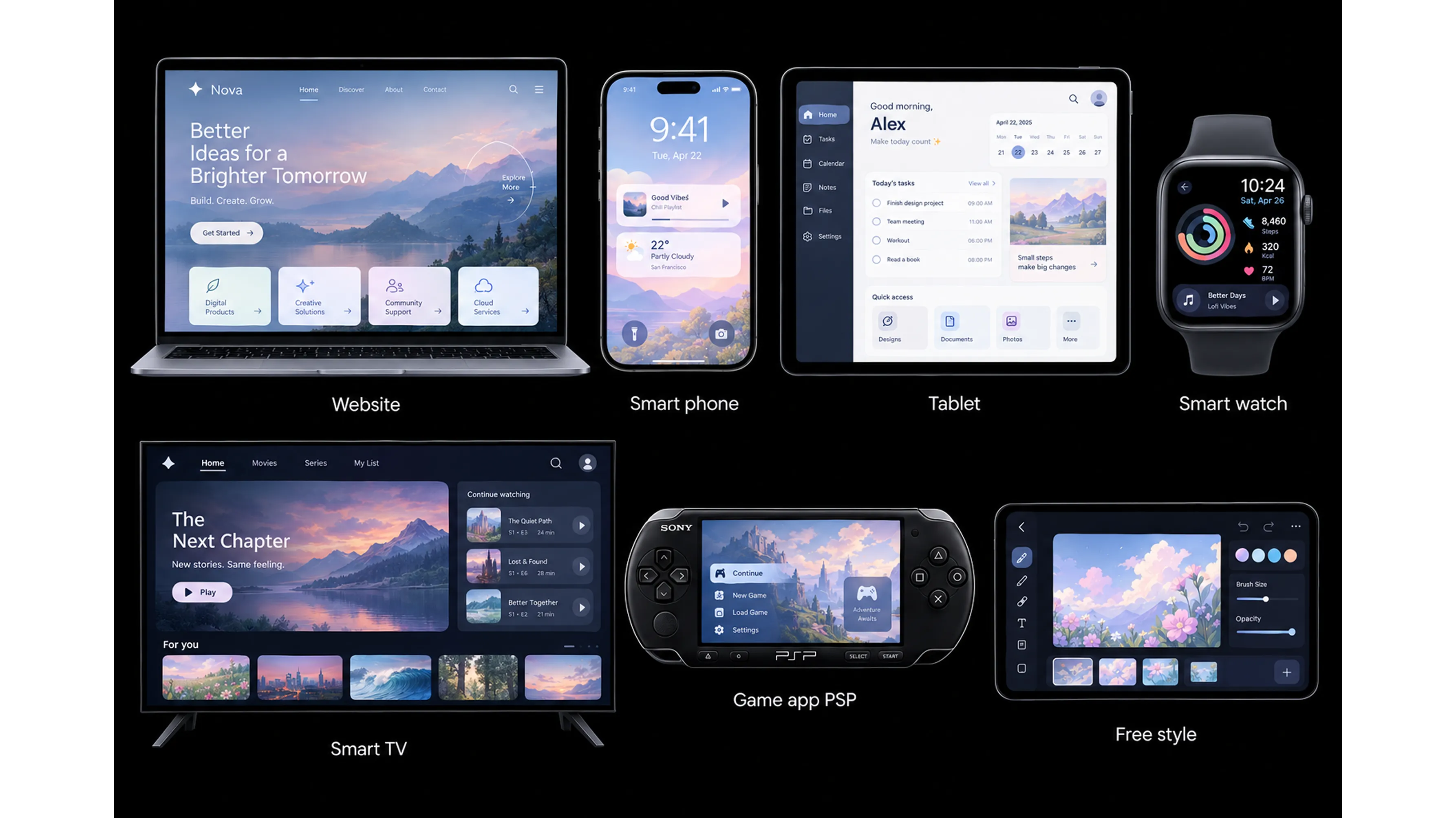
Design for the device you are actually shipping to
Start a project on the right canvas, with the right components and the right frame around it.
- Website
- Smart phone
- Tablet
- Smart watch
- Smart TV
- Game app
- Free style
Get started now
Your next screen is one link away
Open the editor and sketch something. It takes less time than reading this page did.
Free plan, no credit card, no install.